
Ask the AI Copilot about your books
Copilot is the chat on your Home screen. Ask about your books in plain language instead of hunting through reports.
Open it
- Click the BooksGPT logo at the top of the left sidebar. That opens Home.
- Or click New chat in the left sidebar.
- Or click the round BooksGPT button just outside the left sidebar, near the bottom. That opens the same assistant as a side panel so you can keep the page you are on.
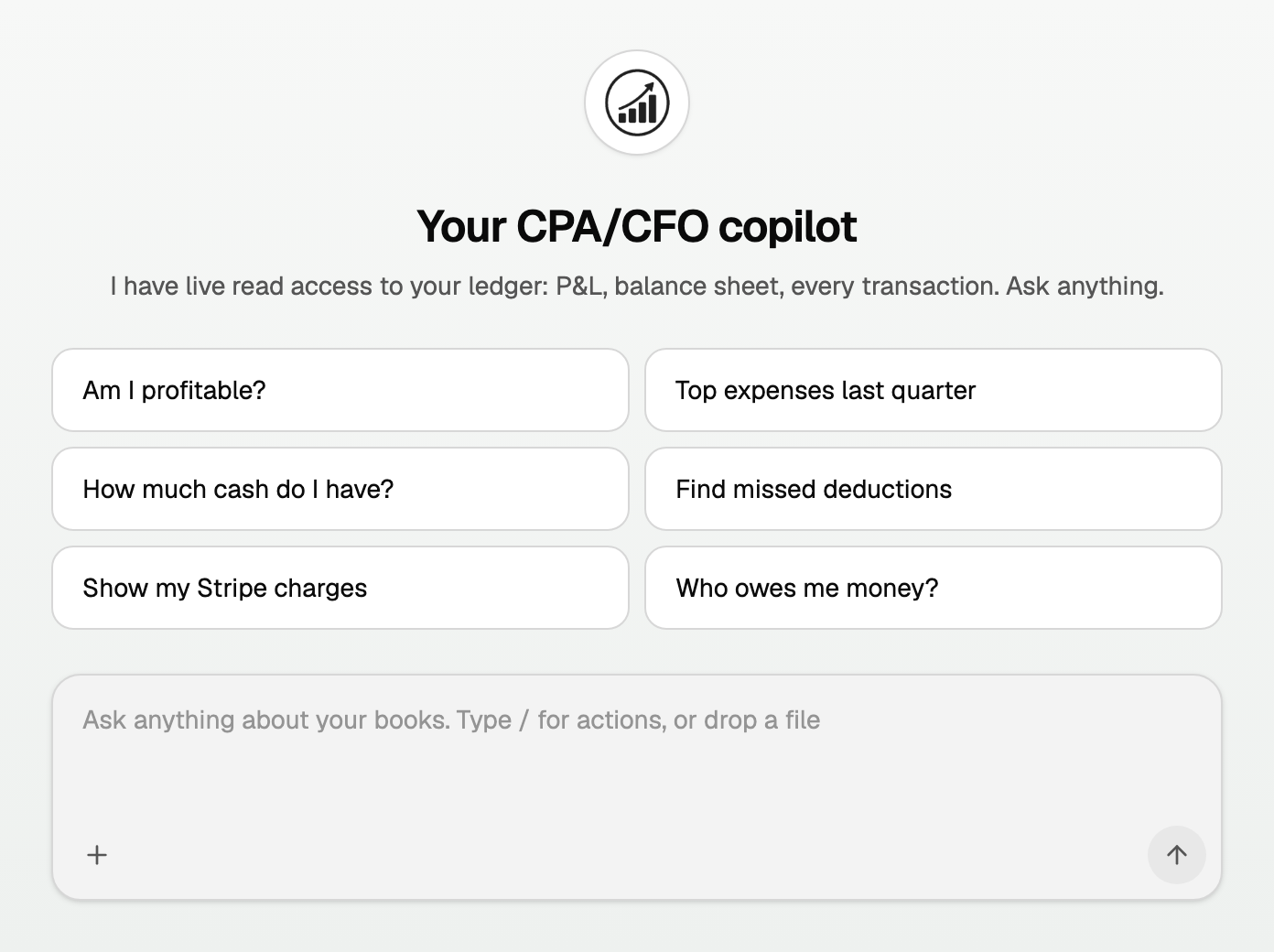
The empty Home screen says Your CPA/CFO copilot. Type in the box, or tap a suggested question.
Click Chats in the left sidebar to reopen an earlier conversation.
What you can ask
- Profit and loss, for example "Am I profitable?"
- Cash on hand, for example "How much cash do I have?"
- Expenses, for example "Top expenses last quarter"
- Who still owes you, for example "Who owes me money?"
- A vendor or merchant, for example "What did I spend at Amazon last month?"
- Tax ideas to review with your CPA, for example "Find missed deductions"
Good to know
- When you ask from a report or another page, the box can show a pill such as Using Profit & Loss. Click the X on it if you do not want that page included.
- Type / in an empty box for actions, or drop a file onto the chat.
- Copilot follows your workspace role. Viewers get answers only. If it offers a change, you still confirm it the usual way, with the same permissions.
- On Free, questions spend AI credits. Lifetime and trial are not metered. See "AI credits: what they are and what spends them".
Updated on: 17/08/2026
Thank you!