
Review personal transactions
In a personal workspace, new bank activity waits for a yes from you.
Open Review
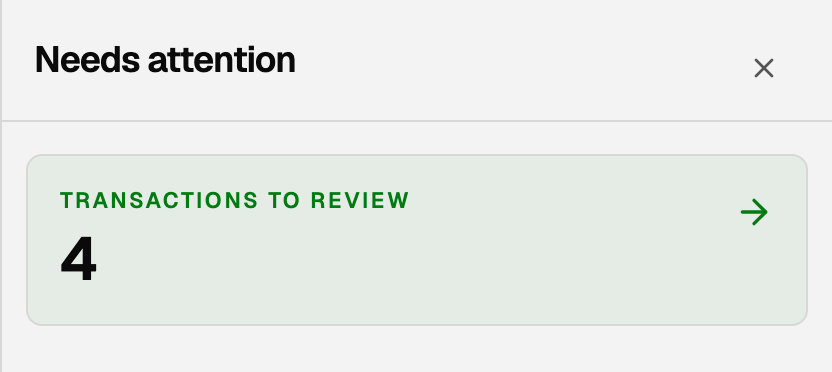
- In the top bar, click the clipboard icon named Needs attention. When transactions are waiting, the green number on it counts only that review list.
- Click Transactions to review. The card shows that same number.
- The page title is Review.
Work the list
Each row is a suggestion until you act.
- Approve if the category is right.
- Not right · change category if you need a different one, then approve.
- Dismiss suggestion to clear the guess without posting it.
- Exclude to keep it out of spending and reports (a transfer you do not want counted, or a duplicate).
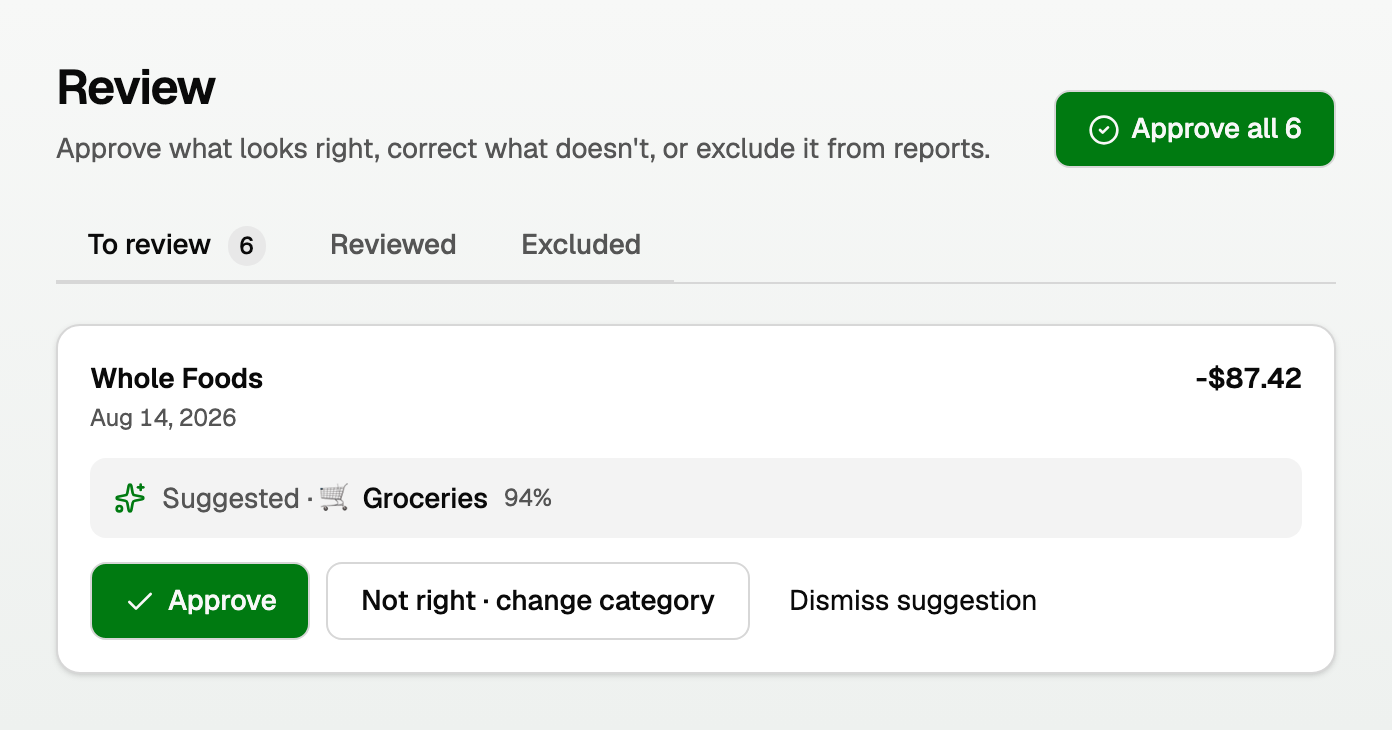
If several rows already have a category, click Approve all N.
Use the To review, Reviewed, and Excluded tabs to find a row again. You can undo a recent action from Reviewed.
Good to know
- The full list of personal activity is under Money > Transactions. Split a row there if one charge needs two categories.
- Transfers between your own accounts should not look like spending. See "See personal cash flow and recurring bills".
- Business books still use Daily work > Review inbox. That is a different page.
Updated on: 01/10/2026
Thank you!