
Set a personal budget
A personal budget is a plan next to what you actually spent. It lives in a personal workspace, not in the business books.
Open Budget
- Open All pages in the left sidebar, then under Money click Budget.
- Pick Today, Month, or Year.
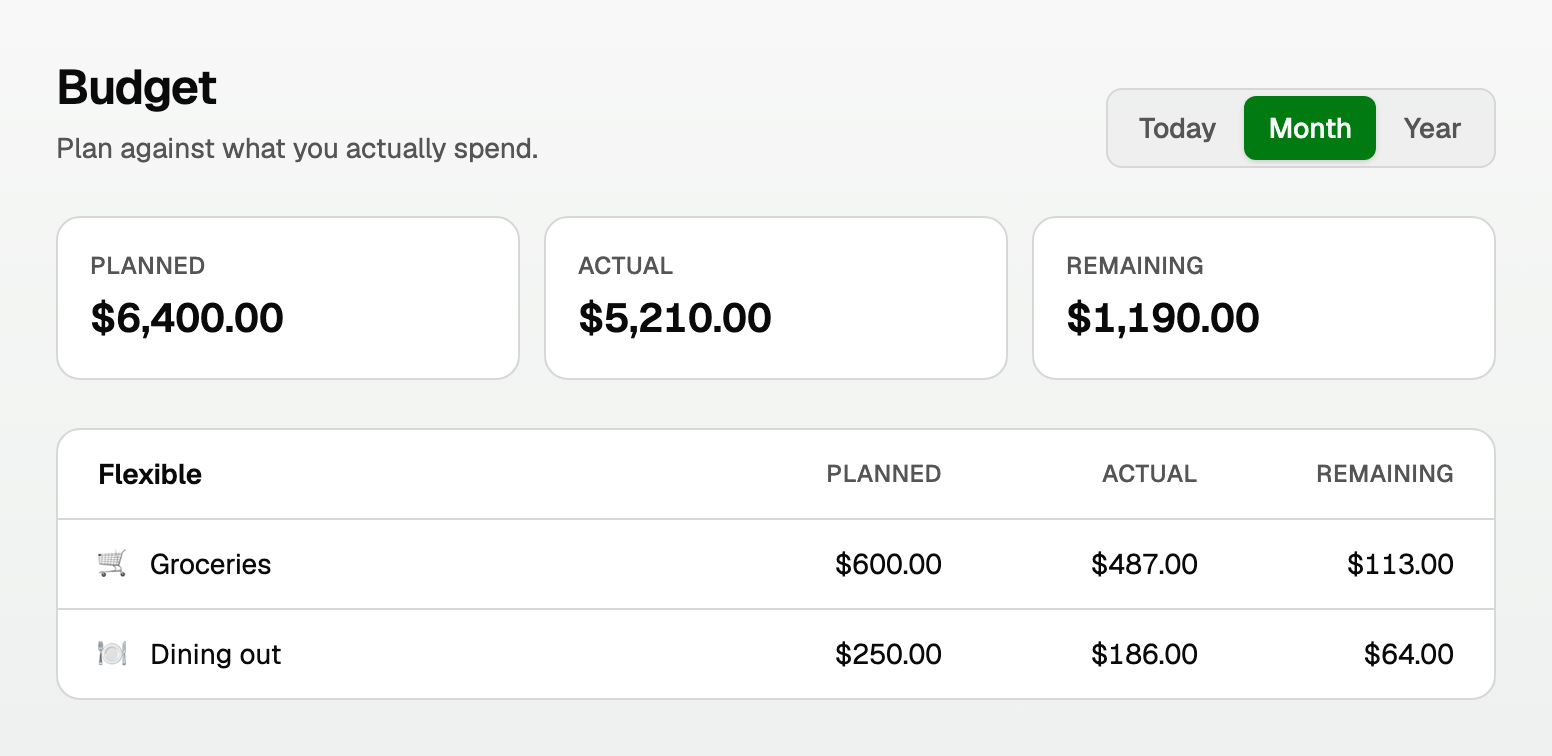
Fill it in
The page is grouped into Income, Fixed, and Flexible.
- Planned is what you meant to earn or spend. Click a number to edit it.
- Actual is what already happened, from transactions you approved.
- Remaining is the difference.
Good to know
- Actuals only move after you approve rows in Review. See "Review personal transactions".
- Transfers between your own accounts are not treated as spending by default, so they should not blow the budget.
- Goals are separate. A savings target lives under Money > Goals.
Updated on: 12/09/2026
Thank you!