
See personal cash flow and recurring bills
Personal Cash flow shows money in and money out. Recurring is the subscriptions and bills that come back every month. Both live under Money in a personal workspace.
Cash flow
- Open All pages in the left sidebar, then under Money click Cash flow.
- Read income, expenses, and the savings rate for the month.
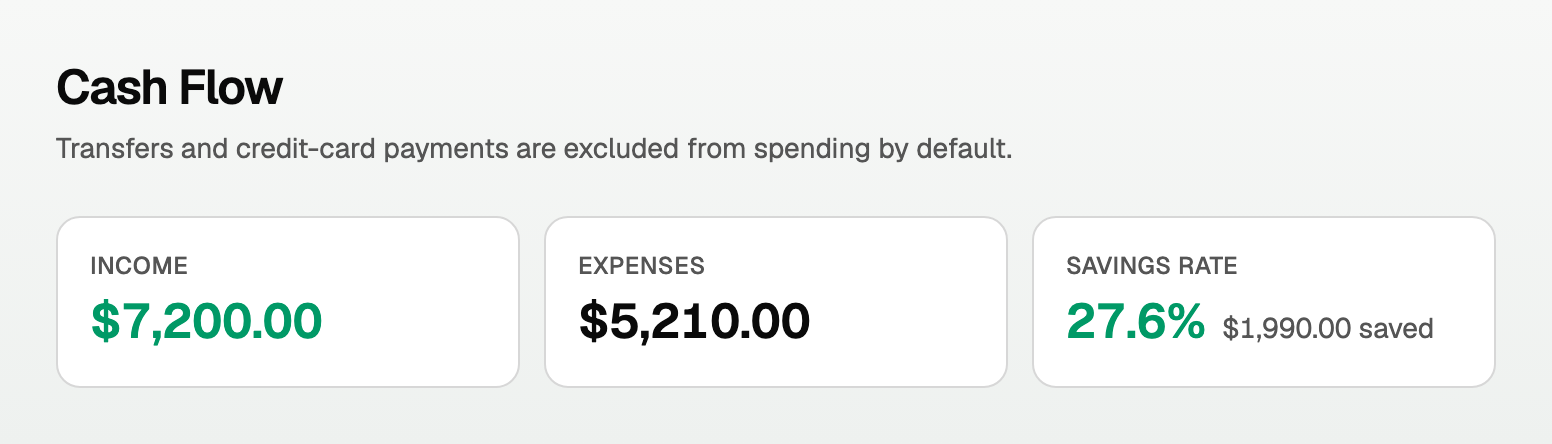
- Click Match transfers if a transfer between your own accounts was not paired yet.
- Click Include transfers only if you truly want those rows in the spending picture.
Numbers follow transactions you already approved in Review.
Recurring bills
- Open All pages, then under Money click Recurring.
- Click Find recurring to scan for repeating charges.
- If a banner says N candidates to review, click Review and confirm the ones that are real.
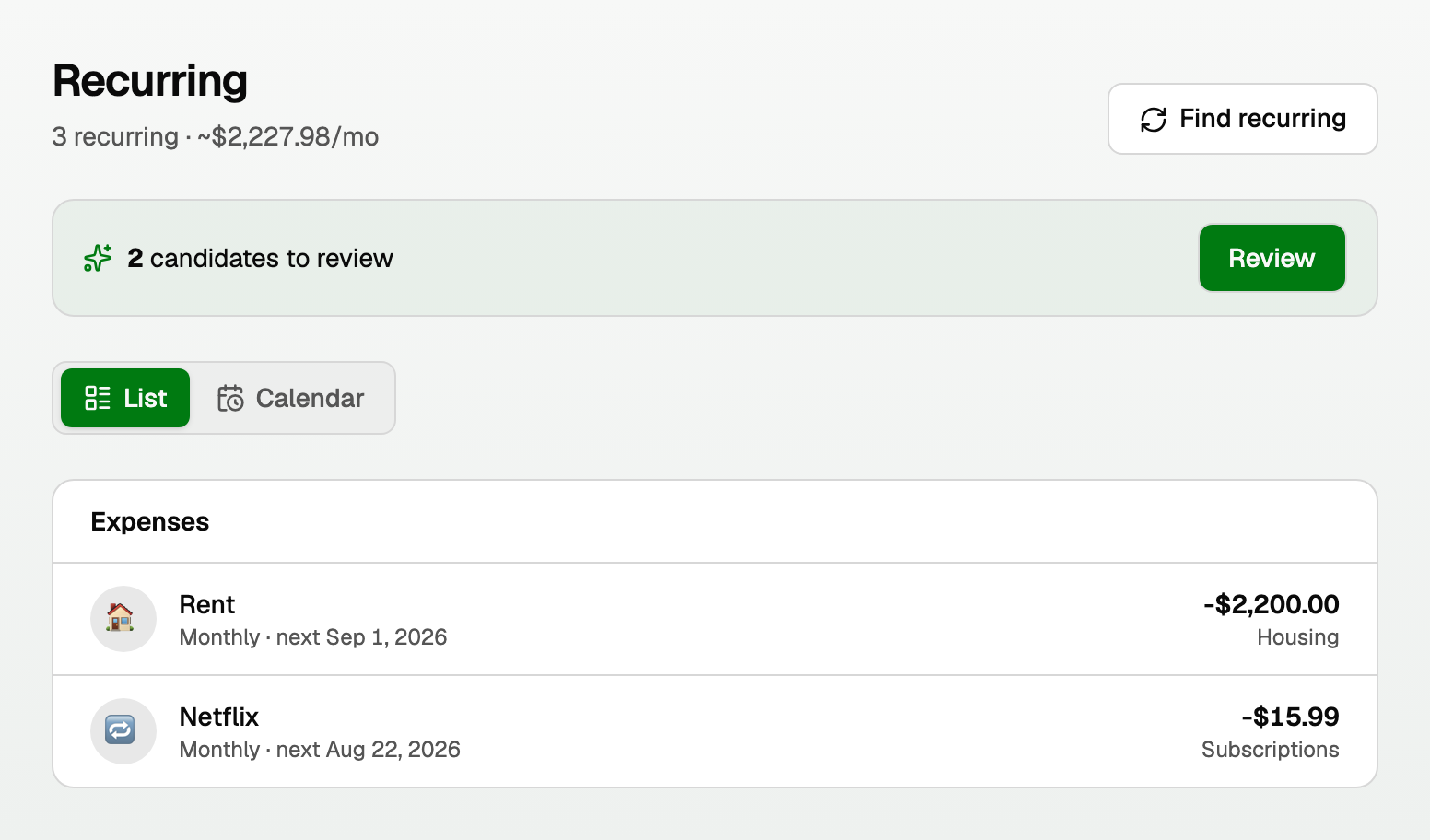
Confirmed items group into Income, Expenses, and Credit cards. Switch between the list and the calendar.
Good to know
- Exclude a one-off in Review if it should never count as spending.
- Business cash flow is a different report, under Reports > Cash flow, and it follows accounting rules. This page is for personal money.
Updated on: 12/09/2026
Thank you!