
Track personal investments
An investment account (a brokerage, IRA, or 401k) counts toward your net worth like any other account. There are two ways to add one:
- Connect brokerage links your brokerage. Its accounts and holdings come in on their own.
- Add manually is for an account you track yourself. You type its value.
Link a brokerage
- Open All pages in the left sidebar, then under Insights click Investments.
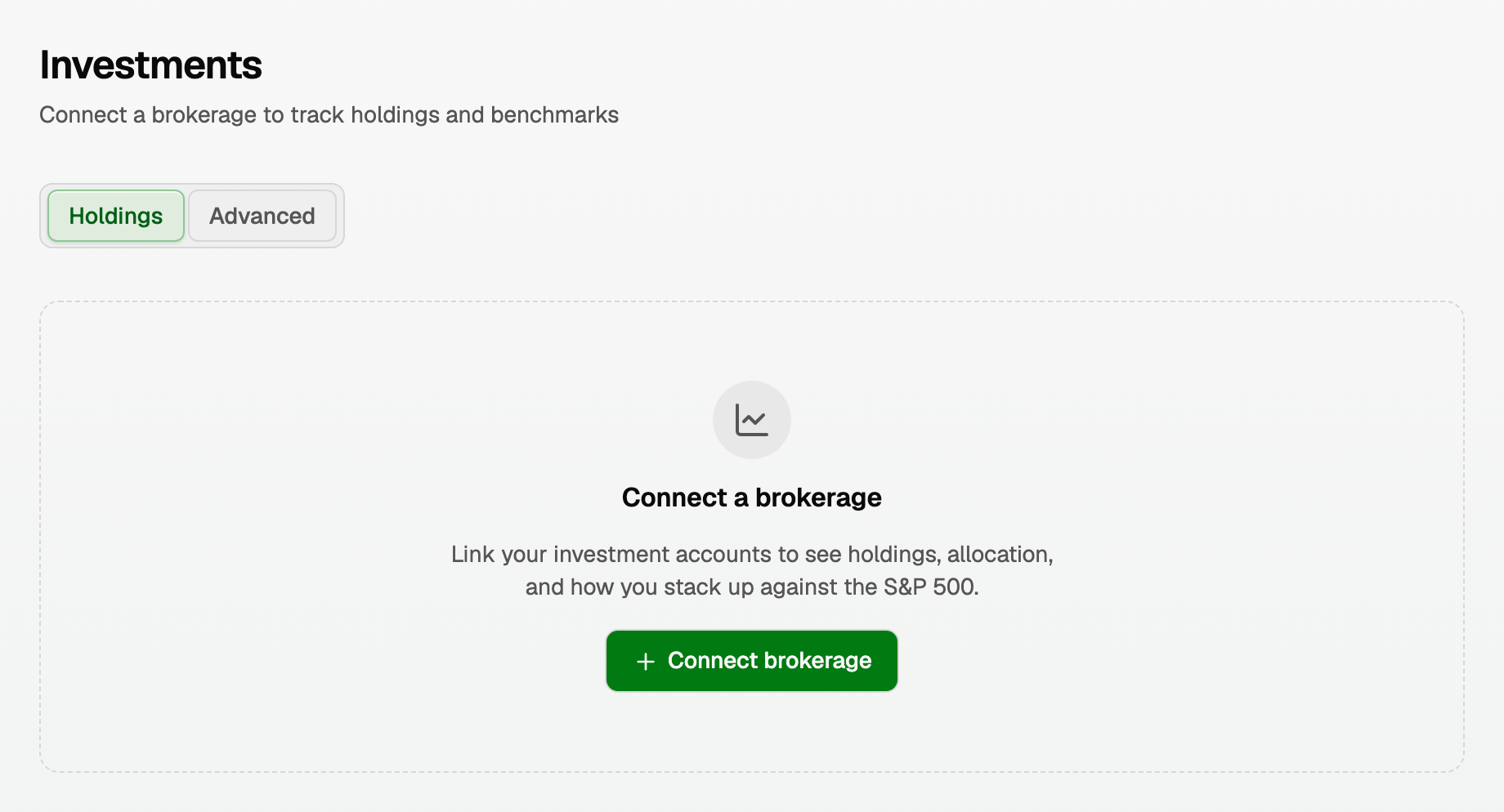
- Click Connect brokerage.
- You go to a page where you pick your brokerage and sign in.
- When you finish, you come back to the Investments page.
When you come back
A note under the title says what happened. Imported 6 accounts from Fidelity means it worked, and the transactions show up under Transactions in a few minutes.
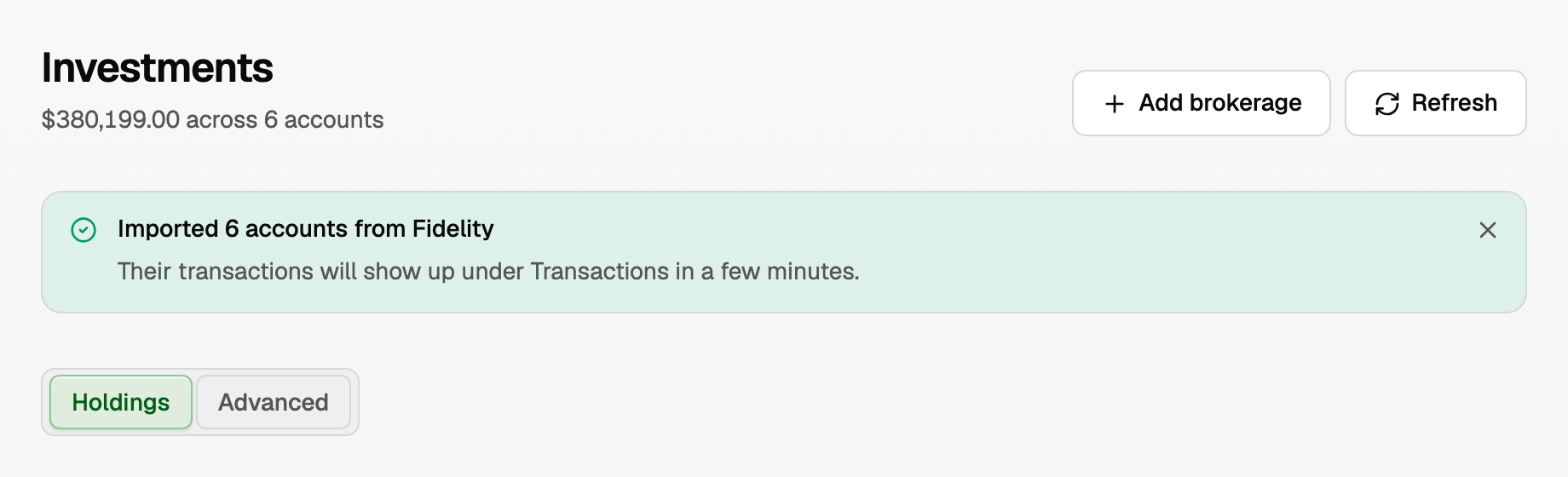
Holdings can take a little while to arrive the first time. Then the page shows:
- The total across your linked accounts (balance not reported yet until your brokerage sends one).
- Each holding with its quantity, price, value, and gain, and an Allocation bar.
- Add brokerage to link another one, and Refresh to fetch the latest.
- A row per account: Importing… while its first holdings are on the way (up to a day), or couldn't be read yet if the last try failed. We retry on our own.
Linked accounts also appear on Accounts under Investments.
If it didn't connect
The note says Nothing was connected and why. Fix that, then click Connect brokerage again:
- Check your sign-in details.
- If your brokerage couldn't be reached, wait a few minutes.
- If the window expired or you closed it early, just start again.
- If a verification code failed, use a new one.
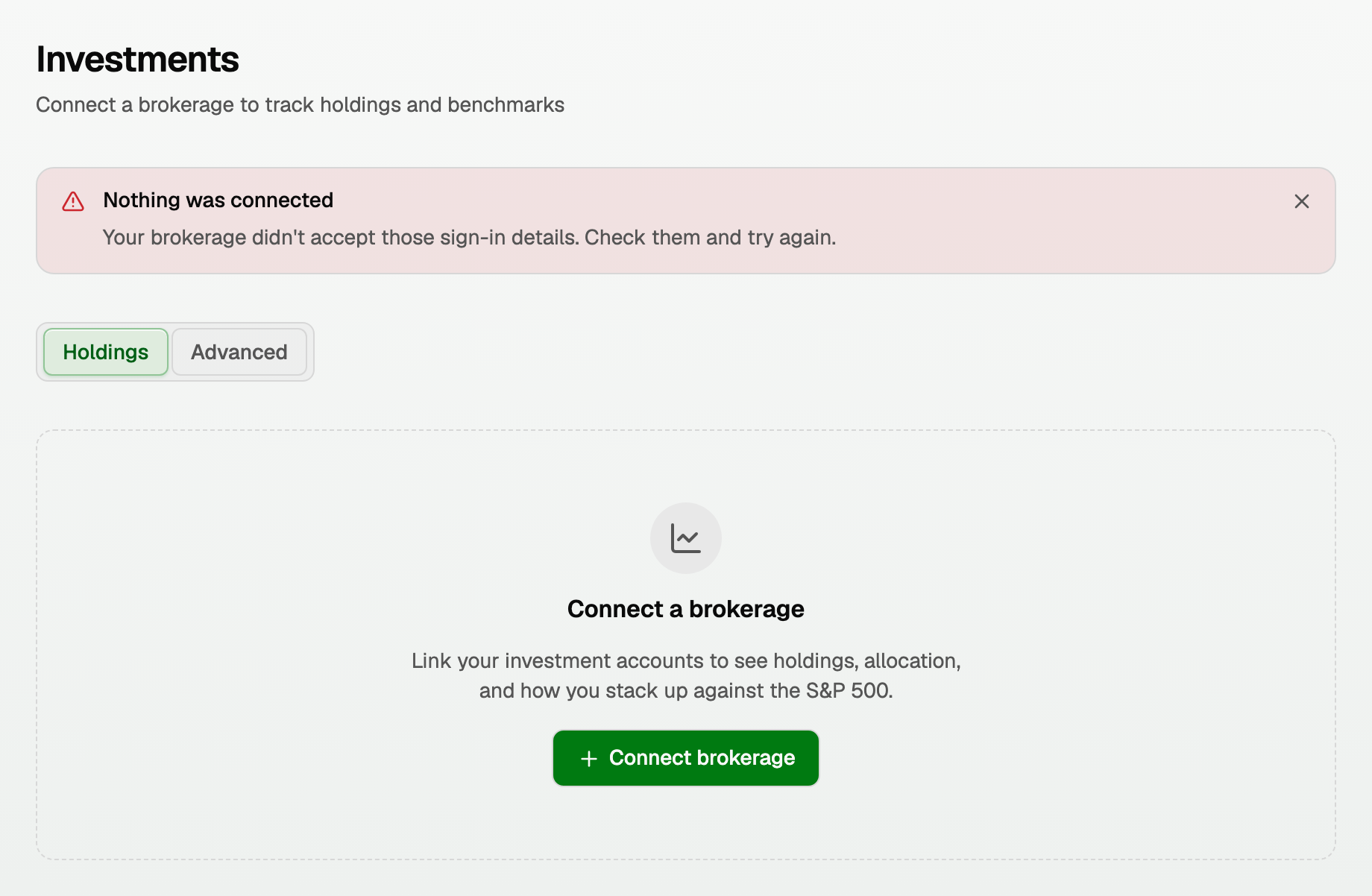
If the note has a Check again or Try again button, your brokerage may still be finishing. Wait a moment and click it.
A brokerage in another workspace
Connecting it in a second workspace changes nothing, and the note says it is in another of your workspaces. To move it:
- In the workspace that has it, Disconnect each of its accounts.
- Connect it again in the new workspace.
Add an investment account by hand
- Open All pages in the left sidebar, then under Money click Accounts.
- Click Add manually.
- Choose Investment.
- Enter a Name, the institution if you like, and the Current balance.
- Click Add account.
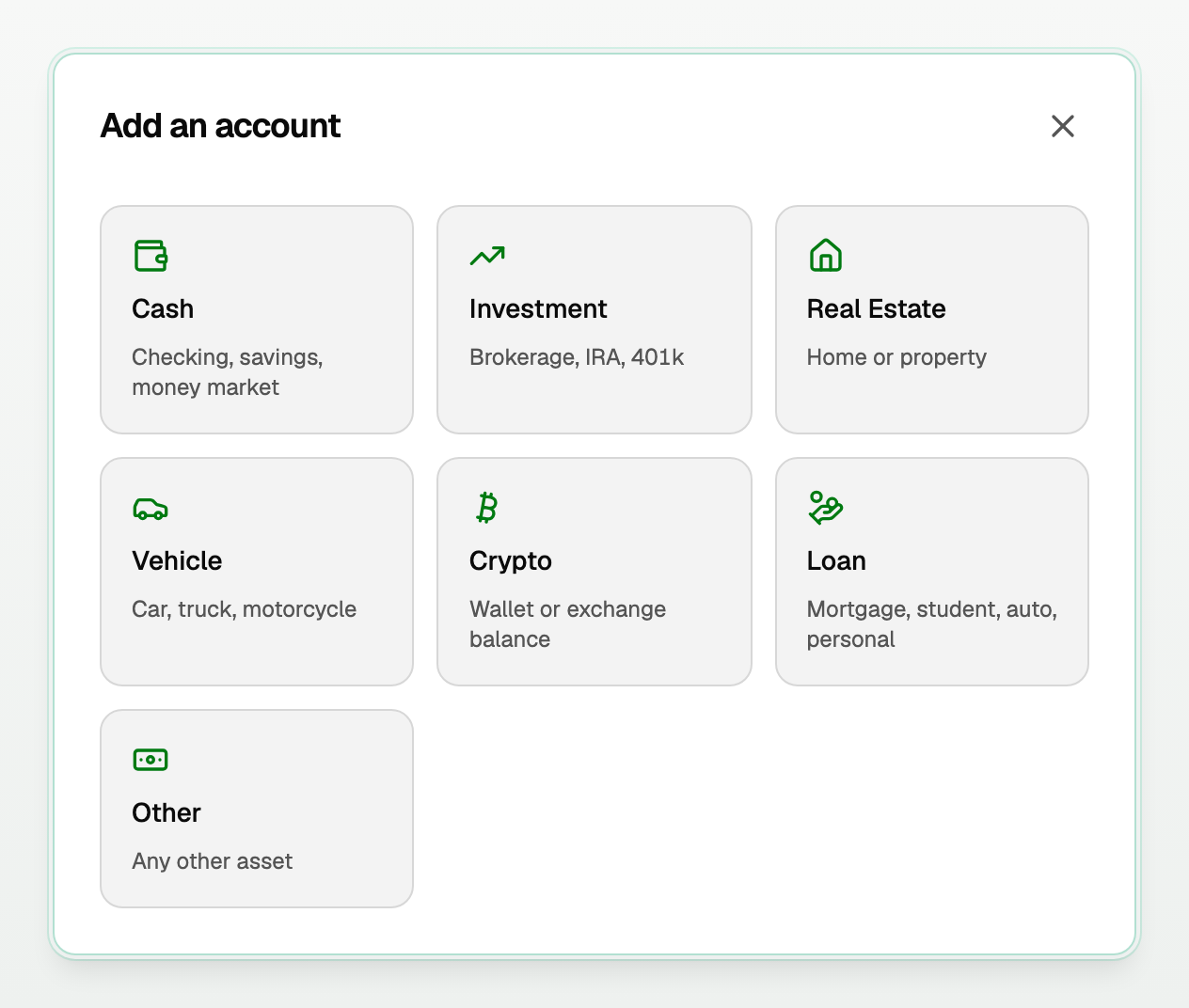
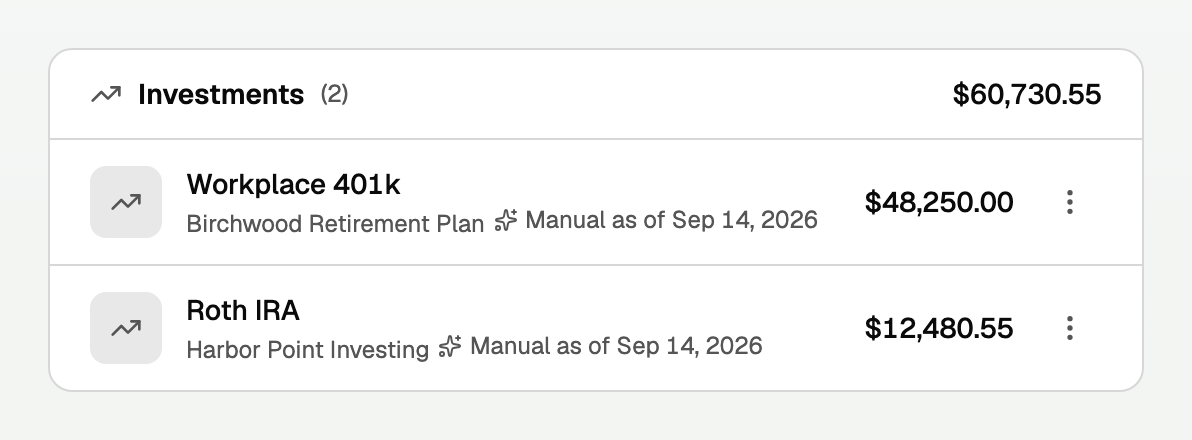
- It joins your net worth right away, under Investments.
- Its row says Manual as of the day you typed the value, so you can tell it from a linked account.
- In Settings, on the Institutions tab, it reads Manual with the same date.
Keep each account counted once
- You linked an account you had typed in: click the ⋮ beside the typed one. Under Merge duplicate, choose the linked account, then click Merge and confirm.
- A typed value changed: a typed value cannot be edited. Add the account again with the new value, then merge the old one into it the same way.
Disconnect a brokerage
- On Investments, find the account's row at the bottom of the page.
- Click Disconnect, then Disconnect again to confirm.
- Syncing from that account stops, and it leaves Investments and your net worth.
- Nothing already imported is deleted. On Accounts it moves to Archived accounts.
- Each account disconnects on its own. You can connect a brokerage again later.
Good to know
- If your bank also holds an investment account, Connect bank on Accounts can bring it in with its balance. Only Connect brokerage brings in holdings.
- If Refresh can't read an account, a note says Refresh didn't finish and why.
- Brokerages can be linked only in a workspace that uses US dollars.
- Advanced, on the Investments page, is for tax-lot detail, performance attribution, and rebalancing. It is marked Coming soon.
- For the full personal setup, see "Add a personal workspace and your accounts".
Updated on: 25/09/2026
Thank you!