
Copilot's books checkup
Books checkup
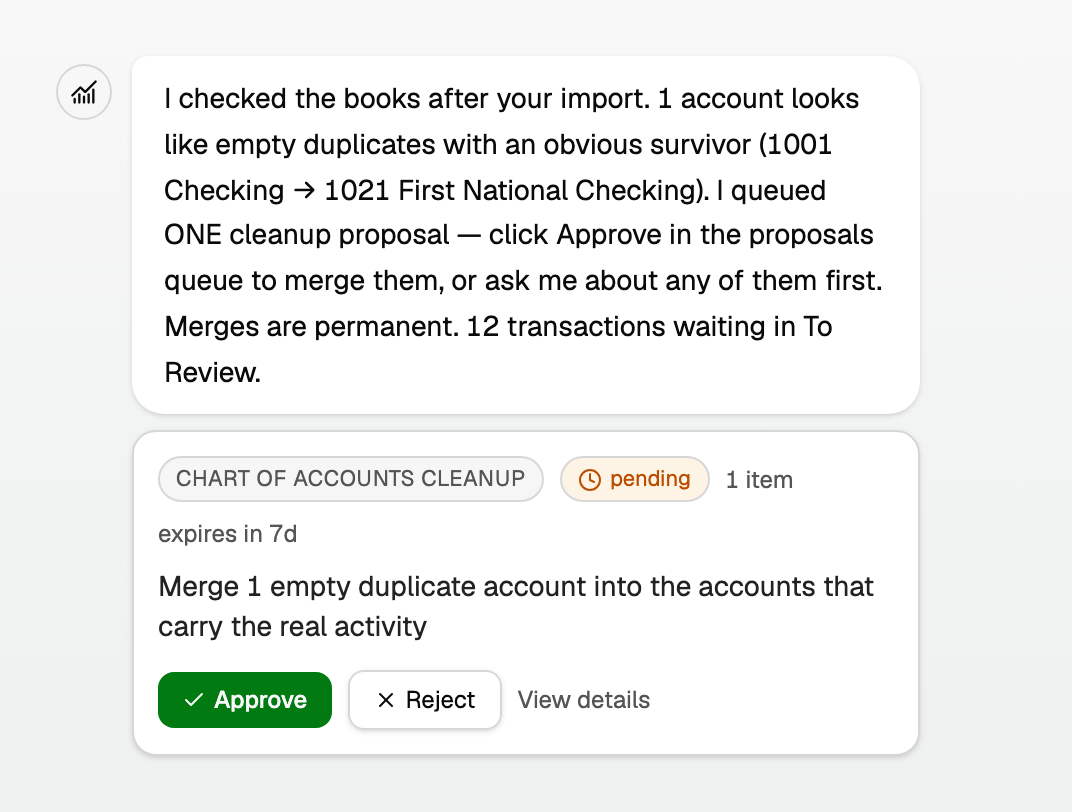
After an import, after a bank connection first syncs, and overnight when something new shows up, Copilot opens a chat titled Books checkup plus that date.
The message is a report, not a rewrite. It may name empty duplicate accounts, possible duplicate transactions, and bank statements that were read but never imported. Ask Copilot to finish those statements in the same chat. If a merge is obvious, it queues one cleanup proposal.
Where to find it
- The same checkup also appears on Panel as Books checkup, with Open in chat. Open All pages in the left sidebar, then click Daily work and Panel.
- Or click Chats and open the Books checkup conversation.
Updated on: 30/09/2026
Thank you!