
Stop a response and what Copilot just did
What Copilot just did
One line sits at the top of a reply. Click it to open the steps.
While Copilot is working, the line names the step and the seconds, such as Reading your profit and loss and 1 of 2. After 8 seconds it says Still working, then This is taking longer. Your request is still in progress.

When the reply finishes:
- Checked 2 things when every step only read your books
- Took 3 steps when a step prepared a card, saved a change, or was refused
- 1 didn't finish when a step failed
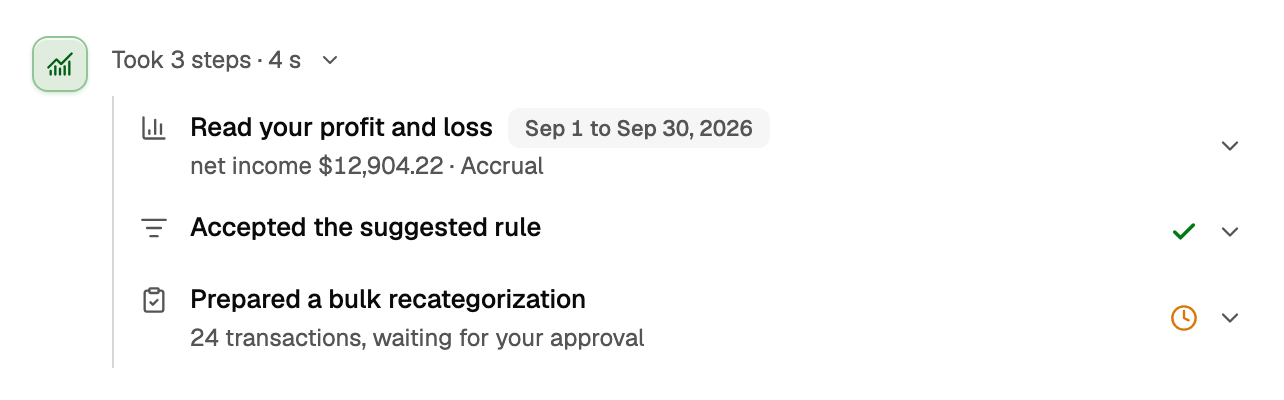
Open the line to see each step. A step shows an icon for the kind of work, then its name, with the period it covered on the same line. What it found sits underneath. A mark at the right appears only when it tells you something:
- No mark: the step only read your books, such as Read your profit and loss with net income $12,904.22 · Accrual
- A green check is a saved change, such as Accepted the suggested rule
- A grey check means something was prepared. Nothing was saved
- A clock is still waiting. 24 transactions, waiting for your approval is not filed until you approve the card
- A red cross means the step did not finish. If What changed under the answer already gives the reason, the step says only Not applied, Not prepared or Couldn't check. Click the step to read the reason
- Queued those transactions for categorizing, with 3 transactions queued, means those rows are waiting in To Review. They were not categorized
What changed
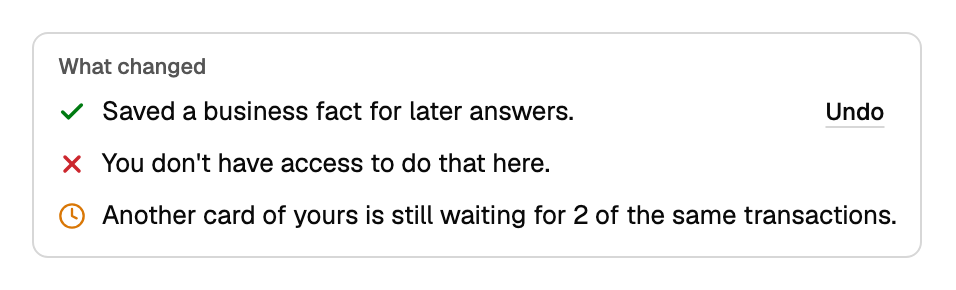
What changed, under the answer, is BooksGPT's record of the turn. If nothing was recorded, it is absent.
- A green check, such as Saved a business fact for later answers. Undo shows only when you can still undo it, then Undo ran
- A red cross, such as You don't have access to do that here.
- A clock, such as Another card of yours is still waiting for 2 of the same transactions. A card in this same reply is not listed again here
Stop a response
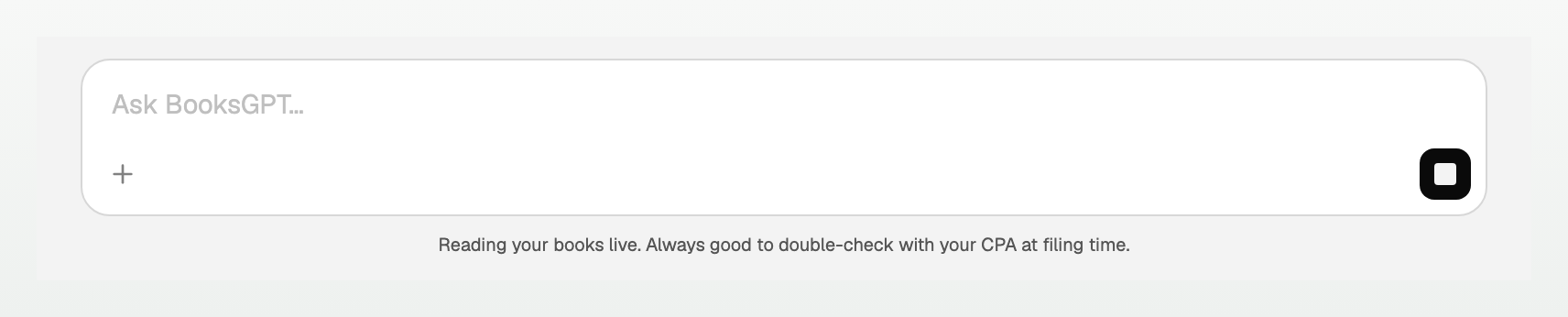
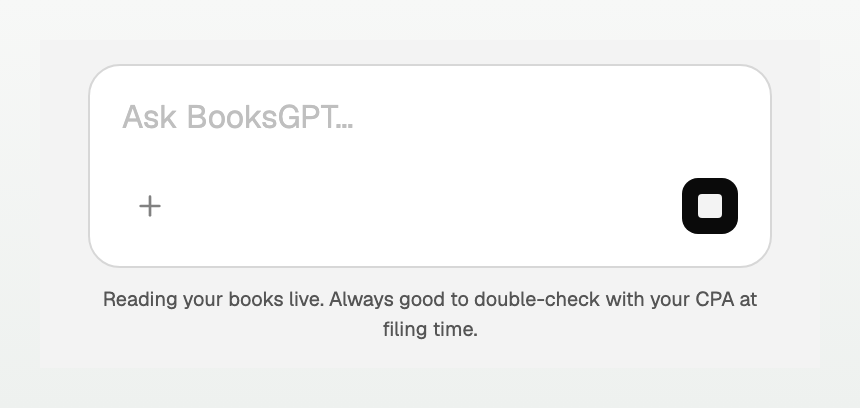
While Copilot is working, Send becomes Stop response. On a phone the tap area is larger.
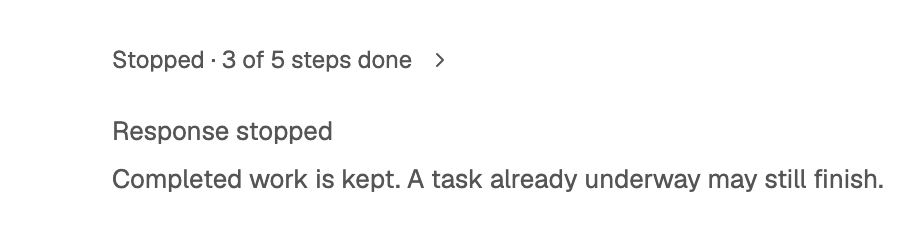
- The line reads Stopped · 3 of 5 steps done
- The reply says Response stopped. If a step had started: Completed work is kept. A task already underway may still finish.
- The saved reply replaces this view. Check for updates reloads it and does not ask again
If Stop does not arrive: Stop didn't reach BooksGPT, so this reply may still finish. It will appear here when it does.
Once it is saved, either This answer was interrupted. You can retry the unanswered request. with Resume, or This reply ended after its tools ran. Review the results above before sending a follow-up.
- Resume sends the same unanswered request again. It does not replay tools that already finished or undo anything from Stop
- Try again appears when nothing ran. It starts the same request again
- Check for updates reloads the saved reply. It does not send a new message
Use Tab to focus Resume, Try again, or Check for updates, then press Enter or Space to choose it.
If you leave or lose the connection
Closing the tab, losing the connection, opening another conversation, or clicking Home does not stop the reply. The answer is saved in that chat.
Come back and the line says Still working · Preparing your answer. It can also say Reviewing your request, Preparing your request, or Working through a step. Stop response is still there.

Until that reply finishes, another message in the same chat stays in the ask box.
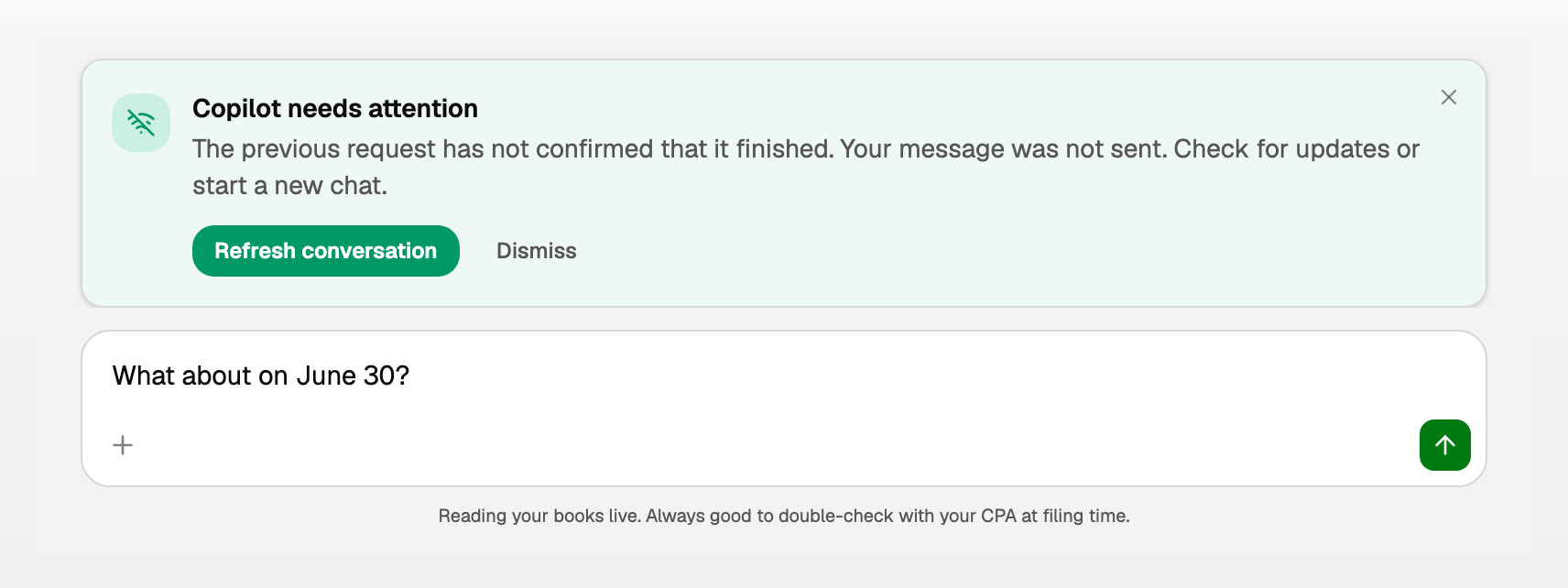
Copilot needs attention says The previous request has not confirmed that it finished. Your message was not sent. Check for updates or start a new chat. Refresh conversation reloads the chat. Dismiss closes the notice. Home starts a fresh chat, and the earlier reply keeps running in its own chat.
Updated on: 15/10/2026
Thank you!