
Draft and download your tax return with CPA-GPT
CPA-GPT reads your books and drafts a federal tax return you can download as a PDF. It is a draft: review every line with a tax professional before you file.
Open CPA-GPT
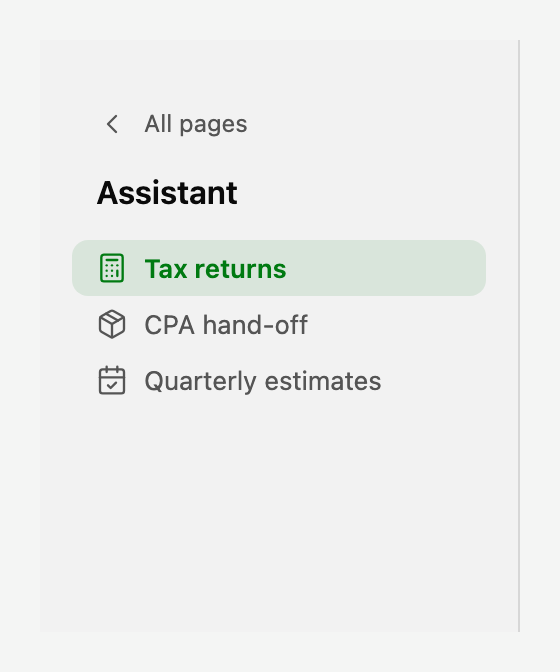
Open All pages in the left sidebar, then click Assistant and Tax returns.
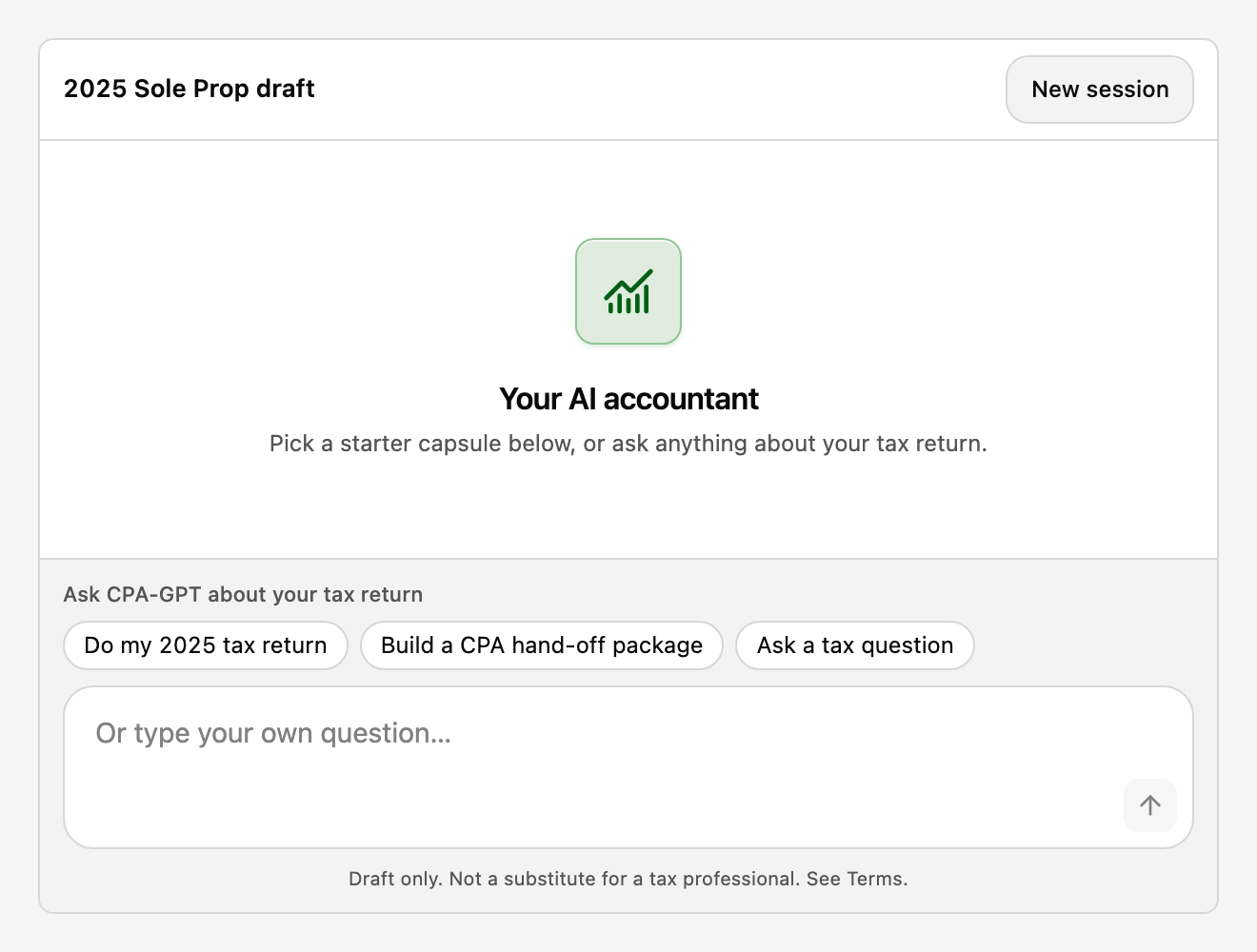
The empty chat offers three starters:
- Do my 2025 tax return drafts a return from your books.
- Build a CPA hand-off package gathers the documents an accountant asks for.
- Ask a tax question answers a question without changing the draft.
Answer a few questions
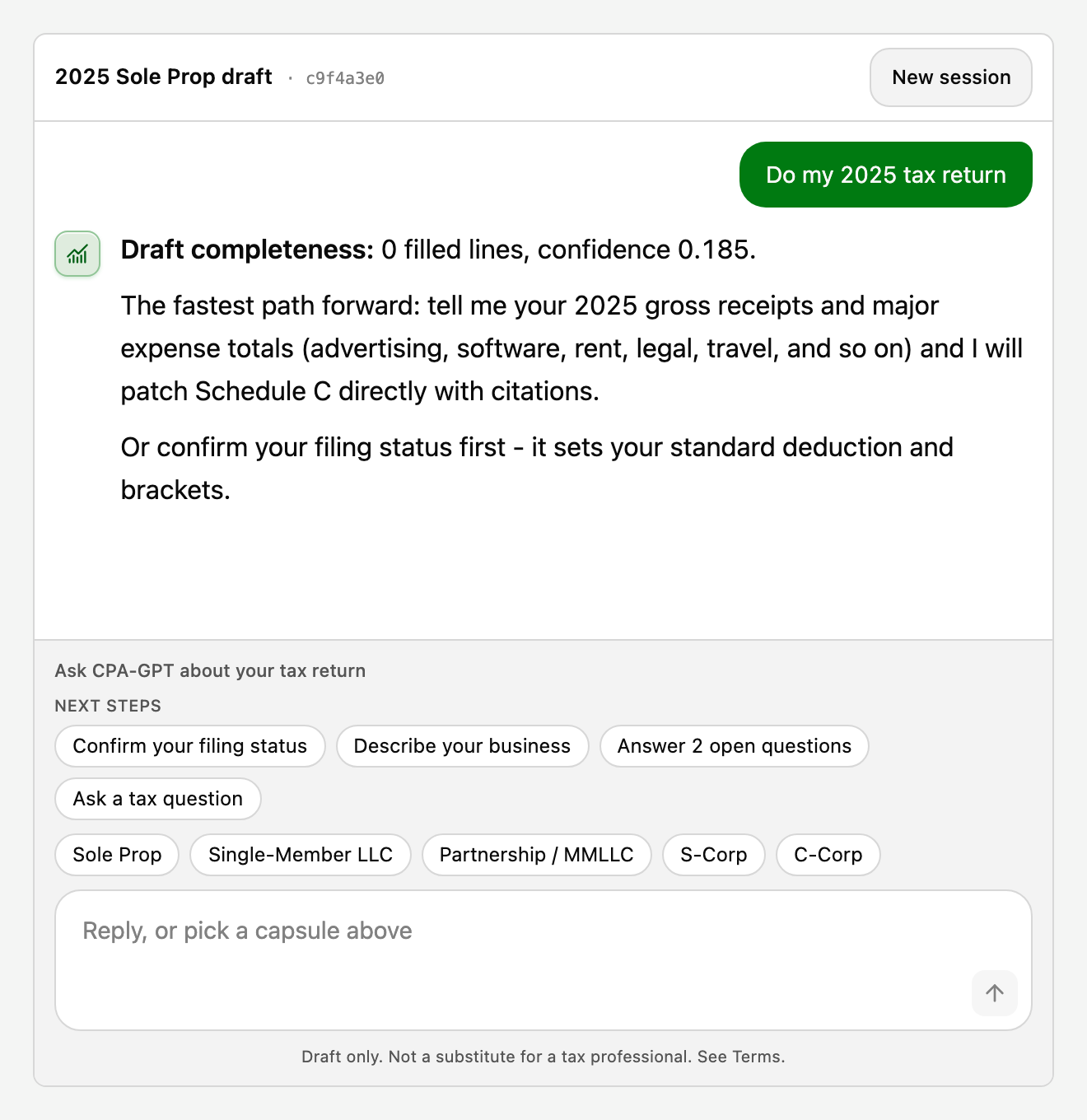
CPA-GPT asks for what the books cannot tell it, such as your filing status, your accounting method, and what the business does. Reply in the box or tap a suggested chip.
After each turn, the NEXT STEPS row shows what moves the return forward, such as confirming your filing status or answering open questions.
See your return as the real IRS forms
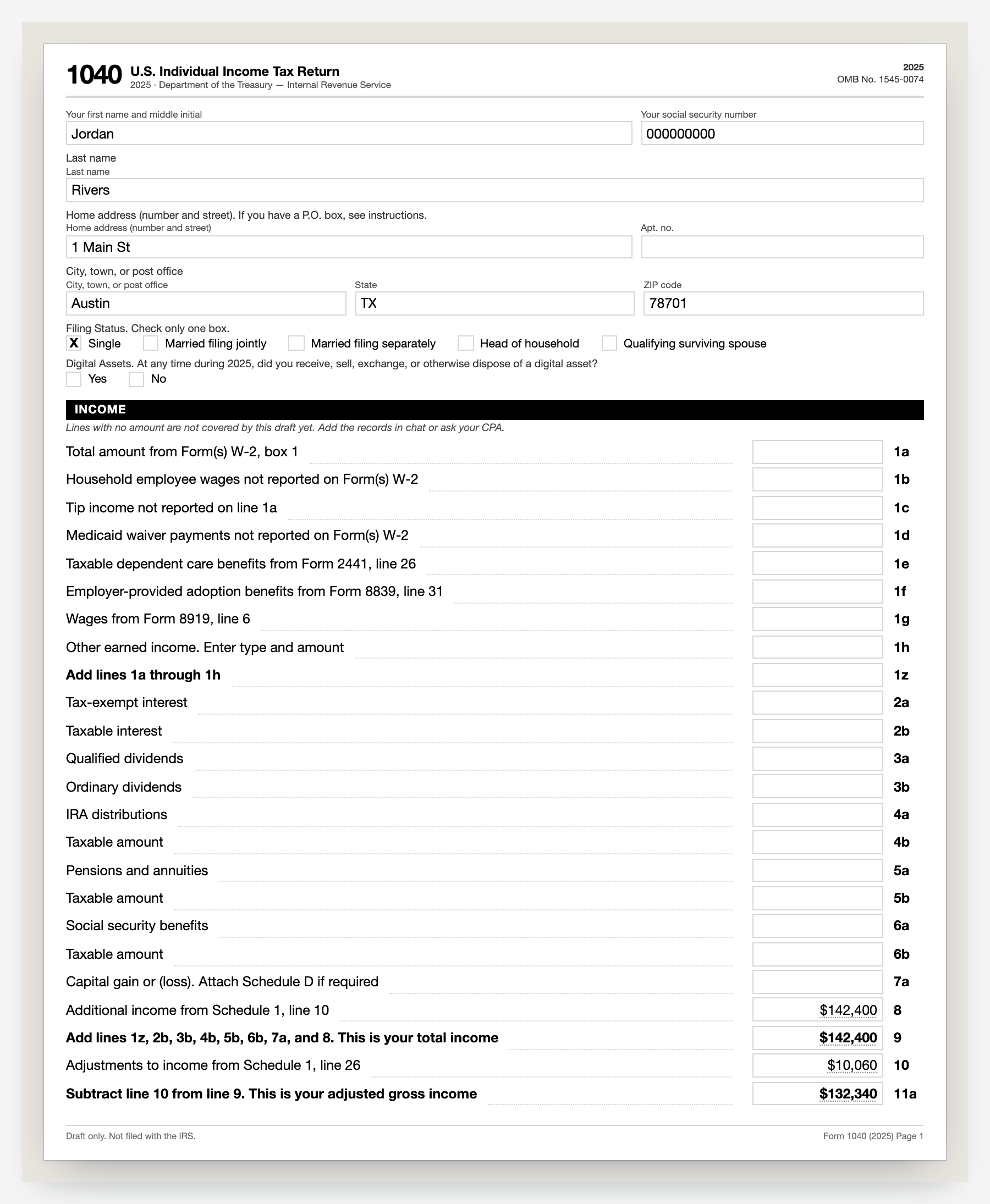
The right pane draws the actual IRS forms. Form 1040 comes first, then Schedule C behind it, or Form 1065, 1120, or 1120-S for a partnership or corporation. Your numbers sit in the form's own boxes, and totals are computed from the lines above them.
Use Prev and Next to move through the pages, and - and + to zoom. The chip at the top shows how complete the draft is.
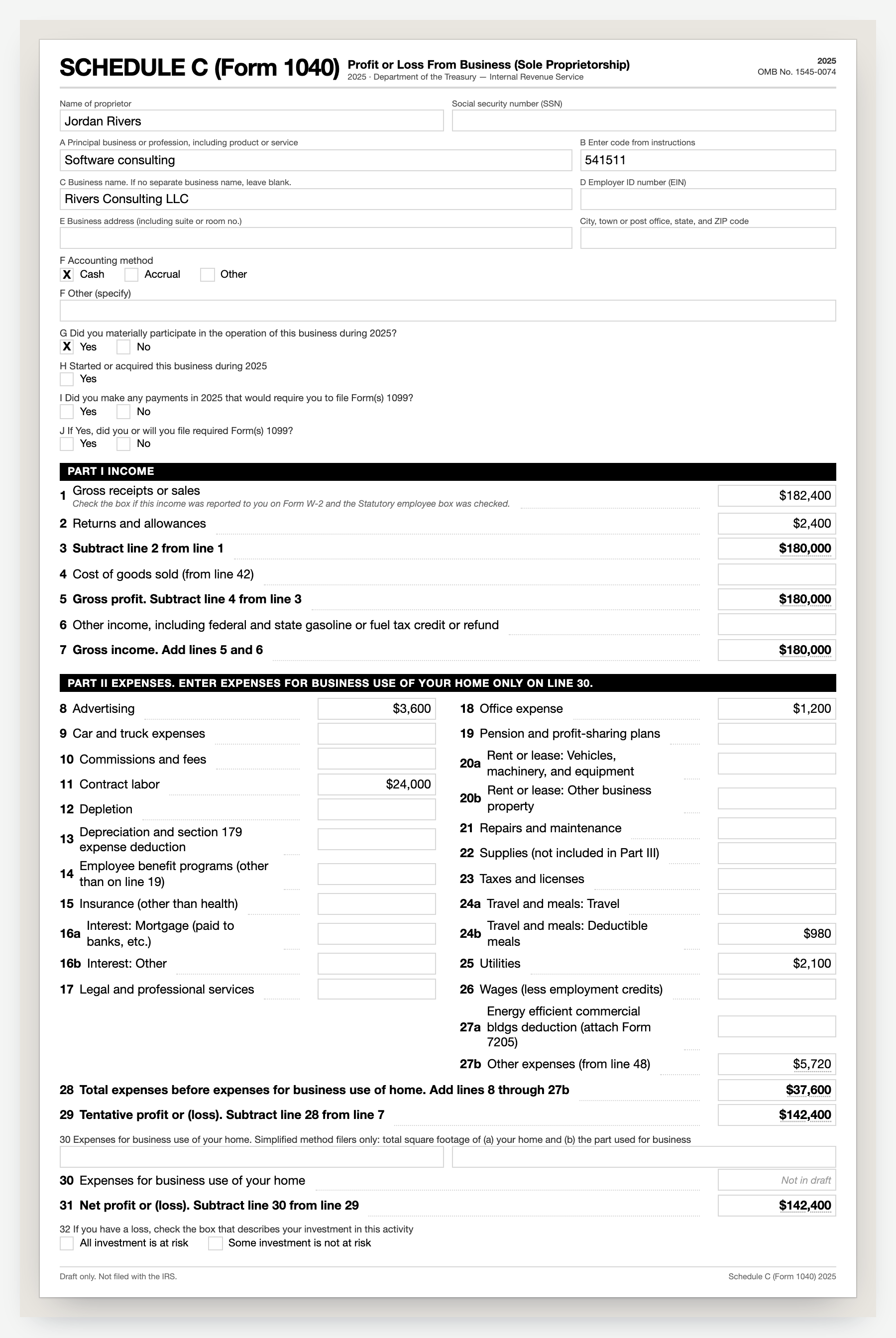
Download your draft
- Click Download draft.
- Tick I understand and agree to the Terms of Service and Privacy Policy of BooksGPT.
- Click Download draft again.
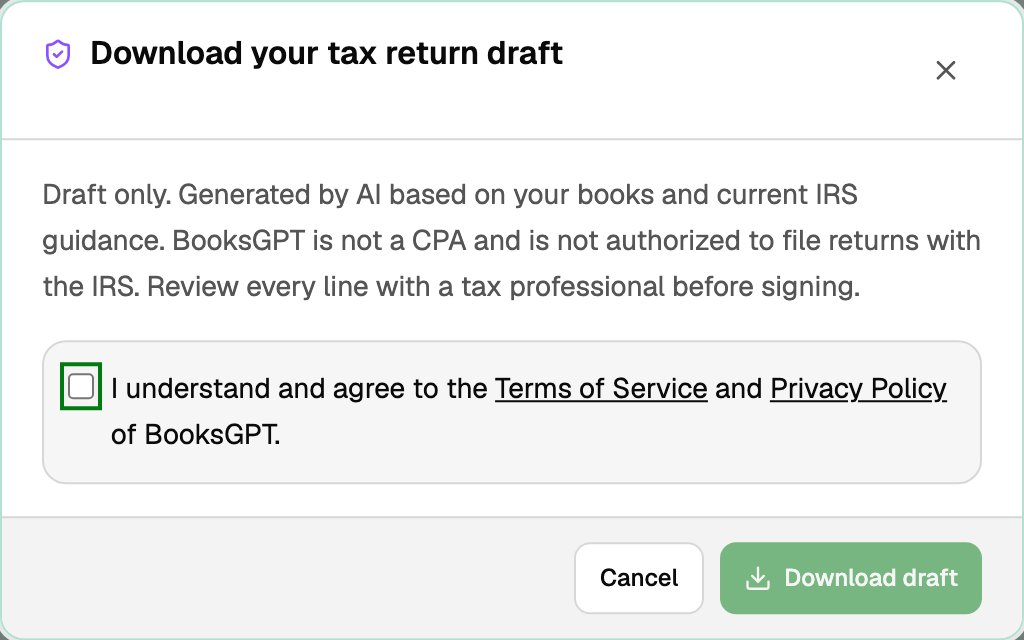
The PDF downloads with a name like 2025-Sole-Proprietor-tax-return-draft.pdf, and it contains the same pages you saw in the preview.
Send it for CPA review
Click Send to CPA review to put the draft on your reviewer's queue. If CPA review is not enabled on the workspace, the button explains how to add it.
Updated on: 14/09/2026
Thank you!