
Review the inbox and post to your books
The inbox is where you confirm what BooksGPT already sorted, then post it to your books. Reports stay empty until you do this step.
This is different from Transactions. Transactions is the full list. Review inbox is the daily pile waiting on you.
Open it
- Open All pages in the left sidebar, then under Daily work click Review inbox.
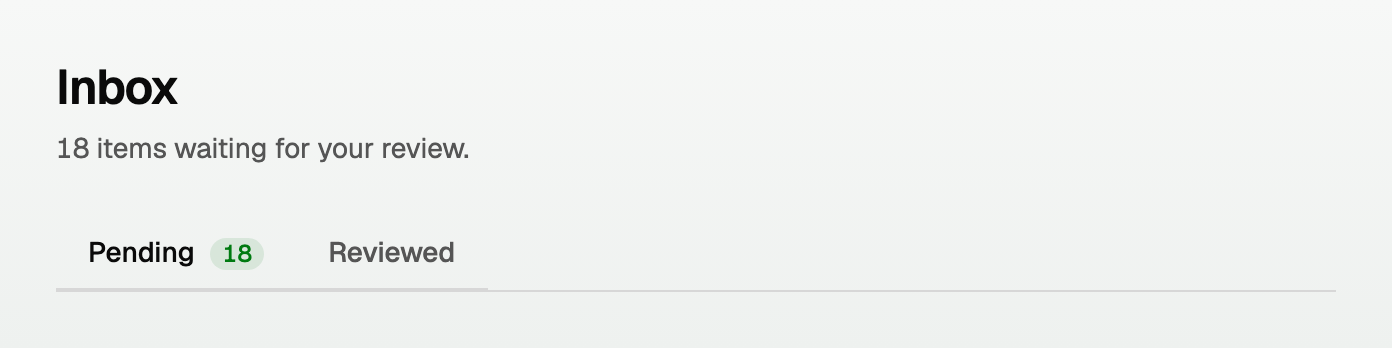
- The page title is Inbox. The count of waiting items sits under the title.
Ready to approve
BooksGPT is confident about these. A category is already picked.
- Skim the list. Change a category if one is wrong.
- Click Approve & post all N to post the whole group at once.
- Or click Approve on one row if you only want that one.
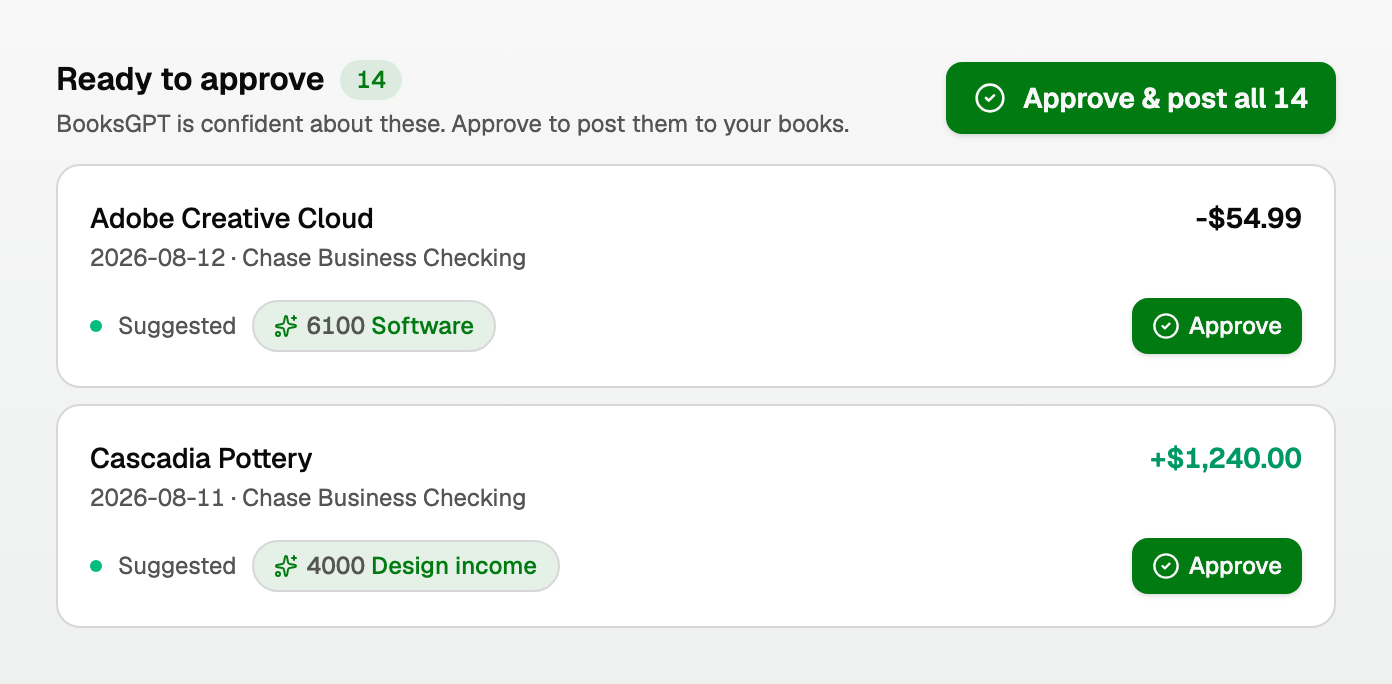
Approved rows stay in place with a check. They do not jump around while you work.
Needs your review
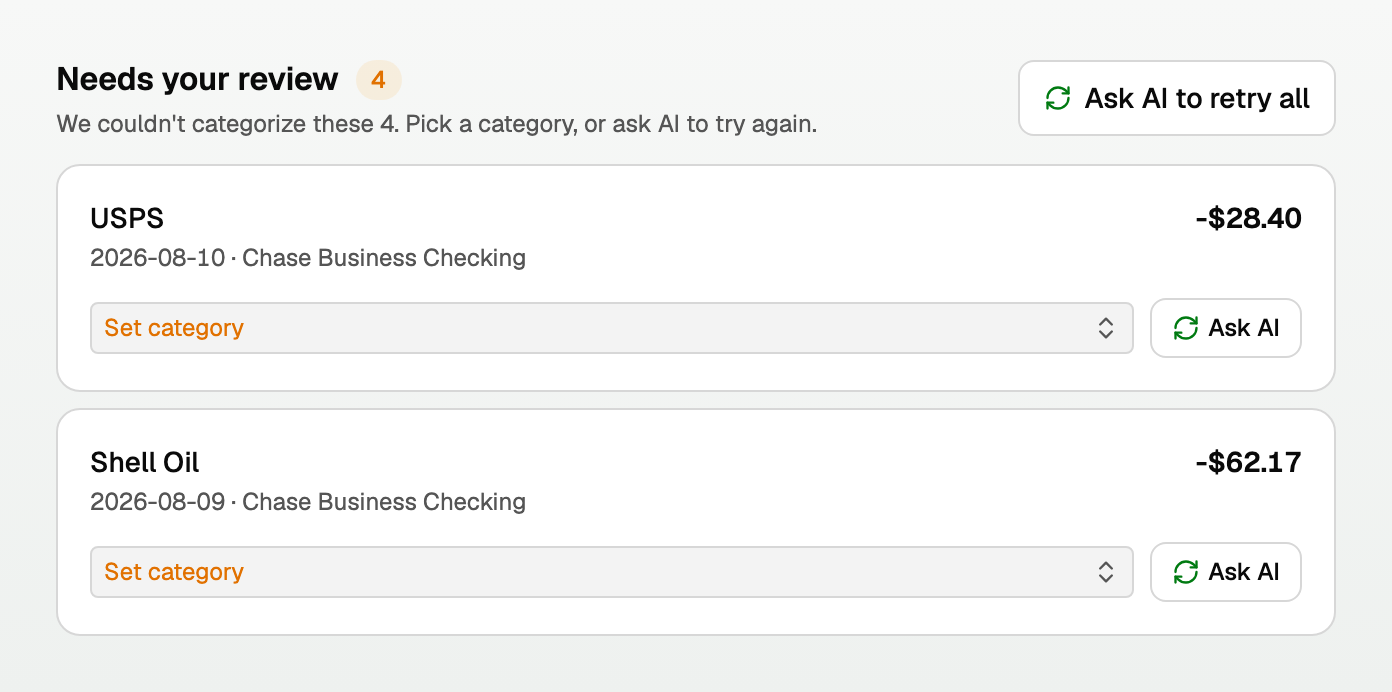
These could not be categorized. Pick a category, then approve.
- Click Set category and choose the right account.
- Click Approve on that row.
- Or click Ask AI to retry all if you want BooksGPT to try again.
Good to know
- Nothing reaches your profit and loss until you approve it. That is on purpose.
- The full register is still under Daily work > Transactions, with To review and Reviewed filters. See "How automatic categorization and review work".
- If a row is a bill payment, you can match it to the bill instead of posting it a second time. See "Bills: track what you owe and match bank payments".
Updated on: 17/08/2026
Thank you!